Overview
Best WordPress Themes for Web Designers in 2024
Start with flexibility. A good theme lets you change headers, footers, spacing, and fonts without digging through code. That matters more than people admit. If you're building for clients, you'll want different moods, maybe minimal one week and bold the next, and the theme shouldn't fight that. Elementor and the native WordPress editor often play a big role here, so check how smoothly the theme supports both.
Speed is the next filter. A gorgeous site that crawls feels broken. I've seen designers keep a theme just because the homepage animation looked cool, then lose leads because the page took too long to load on a phone. That tradeoff is painful and avoidable. Look for lightweight code, clean demo imports, and a setup that doesn't force five extra plugins just to show a gallery.
Now, let's talk about the kind of themes that usually make the cut. Minimal portfolio themes are great if your work already has strong visuals. They put the focus on projects, not decoration. Agency themes are better when you need service pages, team sections, testimonials, and case studies. And multipurpose themes? They can work, but only if you keep the layout disciplined. Otherwise they turn into a junk drawer. Been there.
For photographers, illustrators, and UI designers, image-first themes are often the best fit. They usually include masonry grids, fullscreen headers, and project pages that feel cinematic. But don't get hypnotized by the big hero image. Ask whether the theme also handles text well. You still need process pages, contact pages, and maybe a blog for search engine optimization. Fancy doesn't replace structure.
If you do client work, compatibility matters more than polish alone. The theme should work with common plugins like contact forms, SEO tools, and caching tools. It should also be easy to hand off. I once watched a freelancer build a beautiful site with a theme so tangled that the client couldn't change a single button color. Brutal. A theme for designers needs to respect future edits, not just the launch day.
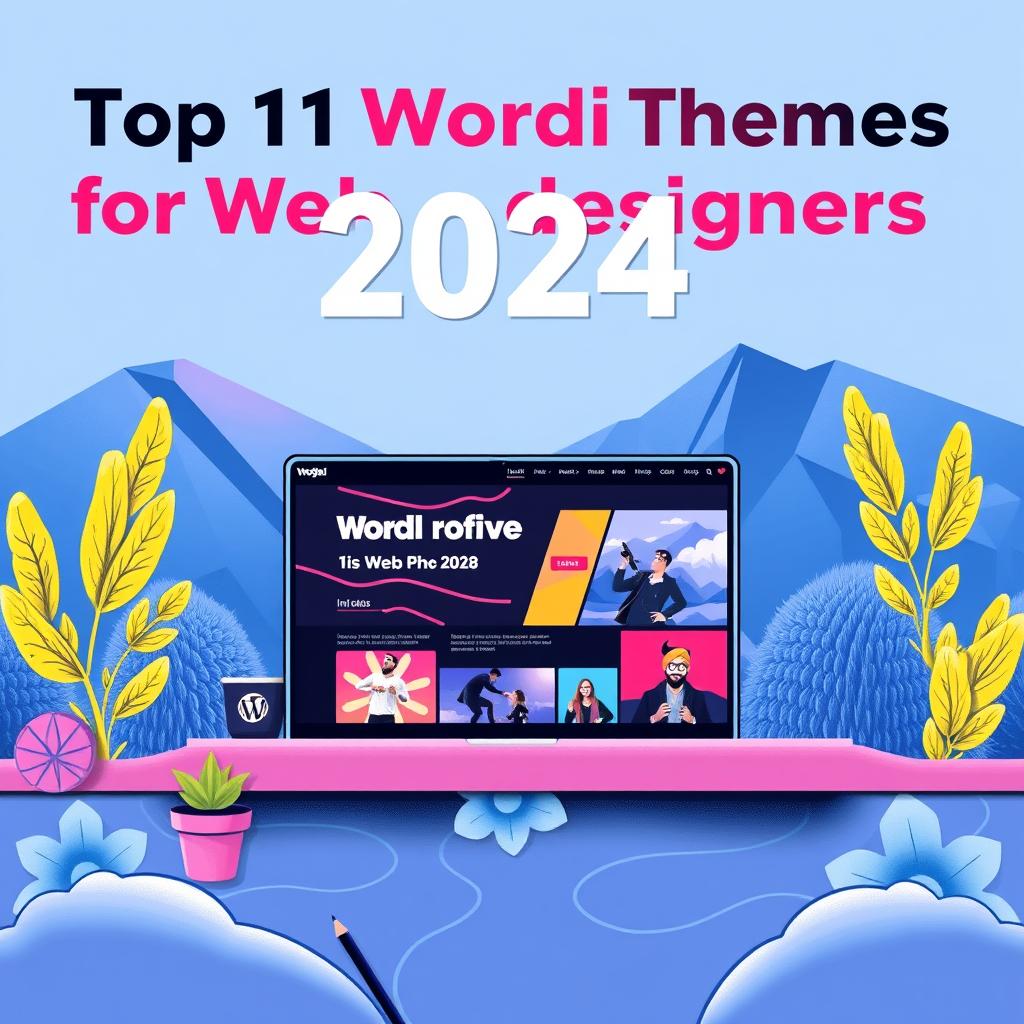
Here are the core traits to look for when comparing the Top 11 WordPress Themes For Web Designers In 2024:
1. Clean portfolio templates that don't bury the work.
2. Fast performance on desktop and mobile.
3. Simple customization for fonts, colors, and spacing.
4. Good support for the block editor or a trusted builder.
5. WooCommerce support if you sell prints, templates, or digital products.
6. Strong documentation, because guessing wastes time.
7. Regular updates, since old themes get messy fast.
And don't ignore typography. Seriously. Great type can make a basic site feel premium. Poor type makes a polished layout feel cheap. If a theme gives you only one or two font combinations, that's a warning sign. Designers need control, not just presets. Google Fonts support is useful, but the real win is easy hierarchy: clear headings, readable body text, and spacing that breathes.
Another point people skip is maintenance. A theme that looks perfect today can become a drag six months later if it isn't updated. In my experience, the safest themes are the ones with steady changelogs and active support forums. That tells you the product isn't abandoned. Simple, but critical. Would you trust your portfolio to a theme that hasn't been touched since last spring?
If you're choosing among the Top 11 WordPress Themes For Web Designers In 2024, think about your actual workflow. Do you build with blocks, a visual builder, or custom templates? Do you need client testimonials on every project page? Do you sell services, products, or both? The best theme should fit how you work, not force you into someone else's design system.
One last thing. Don't chase every effect. Parallax, animated sliders, giant video backgrounds, they can all look impressive for a week. Then they get old, or slow, or both. The strongest design themes usually feel calm, not loud. That's the part clients remember, even if they can't name why.
✅ Advantages
The biggest advantage of Top 11 WordPress Themes For Web Designers In 2024 is speed. You can launch a polished site without building every page from scratch. That saves days, sometimes weeks. And the right theme gives you a professional grid, stronger typography, and better mobile behavior right away.
Another plus is consistency. A good theme keeps headers, buttons, and spacing aligned across pages, which makes your work look intentional. WordPress themes with clean portfolio templates also help clients understand your style faster. Honestly, that first impression matters more than a long pitch deck.
⚠️ Disadvantages
The downside is choice overload. A theme can look perfect in a demo and still feel awkward once you add real projects, long text, or unusual images. I've seen that happen more than once. You import the demo, then spend the next hour deleting sections you never wanted.
There can also be plugin dependency. Some themes lean on page builders or bundled extras, and that can slow things down. And if the theme is too opinionated, your site starts looking like everyone else's. That's the trap. You wanted a design tool, not a cookie cutter.
How to Get Started
2. Test 2 or 3 demos from the Top 11 WordPress Themes For Web Designers In 2024 before you commit. Look at real pages, not just the homepage.
3. Check speed, mobile layout, and how easy it’s to edit text and images.
4. Install only the plugins you truly need. Less clutter, fewer problems.
5. Replace demo content with your own work, then trim anything flashy that doesn't help the story.
6. Do a final pass on headings, contact forms, and responsive design. If the site feels solid on a phone, you're close.
What I've noticed is that the simplest setup usually wins.
Frequently Asked Questions
A: It should show work clearly, load fast, and let you control layout without fighting the editor. That combo is rare, but worth hunting for.
Q: Do I need a page builder?
A: Not always. Some themes work great with the block editor, while others feel smoother with Elementor. Pick the tool that matches how you build.
Q: Should I choose a minimal theme or a feature-rich one?
A: Minimal is safer for portfolios. Feature-rich works better for agencies or shops, as long as it doesn't get bloated.
Q: Can one theme fit every client?
A: No, and that's fine. A flexible theme can cover a lot, but you'll still want different templates and styles for different projects. What kind of work do you show most often?