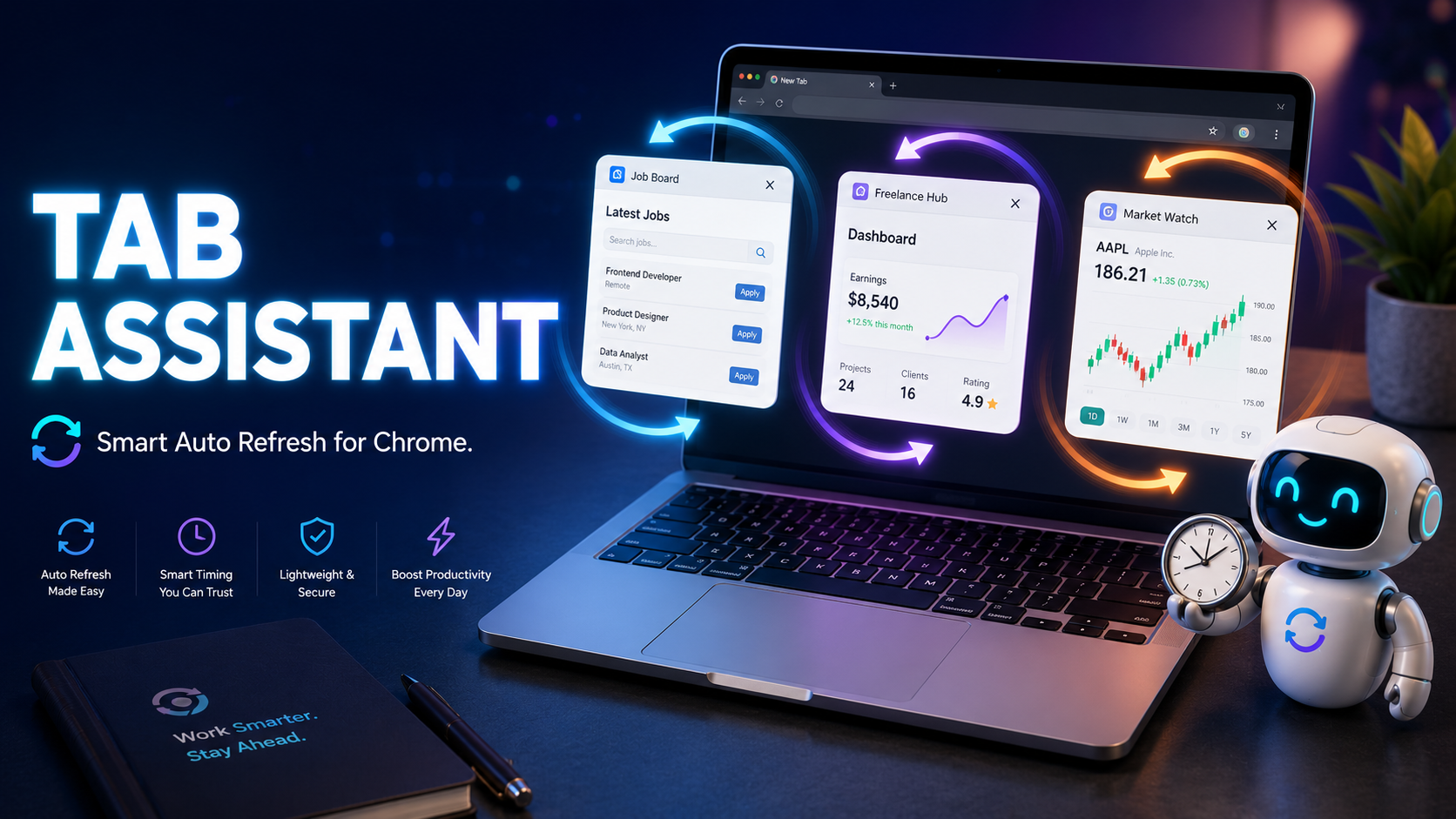
The Tab Assistant Chrome extension is a small tool that fixes a small but annoying problem. If you have ever kept a job board open in one tab, a freelance dashboard in another, and a stock tracker in a third, you know the pain. You blink and the session times out. You step away to grab coffee and your status flips to offline. You miss a posting because nobody told the page to refresh.
This little extension refreshes tabs on a schedule, rotates between internal links you pick, and pauses the moment you start typing or moving the mouse. I spent a few days with it on Upwork, Indeed, and a couple of analytics dashboards. Here is what I found, what works well, and where it falls short.
What the Tab Assistant Chrome extension actually does
At its core, this is an automation helper for browser tabs. It does three things and tries to do them without getting in your way.
First, it auto refreshes a tab at an interval you set. You can give every tab its own refresh time, or share one schedule across all of them. Second, it rotates between internal links on the same site. So instead of staring at one Upwork search page, you can have it cycle through three or four saved searches. Third, it watches your activity. The moment you click, scroll, or hit a key, the automation pauses. When you walk away again, it picks up where it left off.
That last part is the headline feature. Most refresh extensions just hammer the page on a fixed timer. This one tries to behave like a person who keeps coming back to check on things.
Installing and first run
Installation is the usual Chrome Web Store routine. Search for Tab Assistant – Auto Refresh & Smart Navigation, click Add to Chrome, accept the permissions, and you are done. The extension asks for tabs, scripting, storage, notifications, activeTab, and alarms. Standard stuff for what it does. There is also an all-urls host permission so it can work on any site you visit.
After install, an onboarding screen walks you through the basics. Pick a site, choose how often you want refreshes, decide whether to monitor mouse and keyboard. I left most defaults alone on my first run. The popup opens in a clean tabbed layout with sections for Links, Timing, Activity, and Analytics.
A small thing I appreciated: it remembers settings per domain. So my Upwork preferences do not leak into my Indeed setup. Each site keeps its own config. If you are hunting for work on multiple sites, our roundup of the best freelance websites to find work pairs nicely with this kind of automation.
Smart navigation inside the Tab Assistant Chrome extension
This is what makes Tab Assistant different from a plain refresher. You can hand it a list of internal links on a site. It then picks one at random within the delay window you set, and navigates there. You decide if it clicks the link like a person would or just jumps to the URL.
For job boards, this is useful. I set up four saved searches on Upwork, one each for WordPress, React, plugin work, and theme work. Tab Assistant rotated through them every 45 to 90 seconds. New jobs showed up as I worked on other things, and a small badge on the icon told me how many actions had happened.
The randomized timing matters. If you refresh at exactly 60 seconds every time, any half-decent bot detector flags you. Random intervals between a min and max look more like someone actually browsing. The simulated click option goes one step further and triggers a real click event on the link instead of just changing the URL. It is not bulletproof, but it is more than what most free tools offer.
Auto pause is the underrated feature
I almost missed how good this is until I started actually working. When I am writing in a tab, I do not want anything refreshing under me. When I step away, I want the rotation to start again.
Tab Assistant ships with a configurable inactivity delay. Default is 120 seconds. You can also pick which events count as activity: mouse, keyboard, scroll, or any combination. There is a domain-wide pause toggle too. If you are typing in one Upwork tab, every Upwork tab pauses. That stops your reply from getting wiped by a refresh on a sibling tab.
In practice this worked well. The only time it tripped me up was when I left a video playing in a background tab. The page was technically active to me, but Tab Assistant had no way of knowing. I just disabled rotation on that tab and moved on.
The analytics tab
There is a small dashboard inside the popup. It shows total navigations, total refreshes, time the extension has been active, and per-link stats. Nothing fancy, no charts, just numbers. You can clear them whenever you want and pick a retention window of 7 days, 30 days, or never delete.
I like that the data lives only on my machine. The developer says nothing is sent to a server. Looking at the permissions and the code in the unpacked extension, that lines up. No remote calls to a server, no analytics SDK bundled. For a tool that watches your browsing, that matters.
What the Tab Assistant Chrome extension gets right
A few things stood out after a week of use:
- Free with no paywall. No premium tier nagging you to upgrade. Everything works out of the box.
- Lightweight. The whole package is around 62 KiB. It does not bog down Chrome the way some heavier productivity extensions do.
- Manifest V3. Built on the current extension architecture, so it will keep working as Google phases out the old MV2 system.
- Per-link refresh intervals. You can give one link a 30 second timer and another a 5 minute one. Most refresh extensions only let you set one global delay.
- Survives browser restarts. If you close Chrome and reopen it, your automation picks up where you left off.
Where it falls short
It is not perfect. A few things bugged me.
There is no scheduling by time of day. You cannot tell it to run between 9am and 6pm and then stop. If you want that, you have to remember to switch it off yourself.
The link picker only finds internal links on the current page. So if a job board uses lazy loading or hides search results behind a button click, you may not see every link you want to rotate through. I worked around this by opening the saved searches first and letting them load.
There is no export or import for your settings. If you reinstall the extension or switch machines, you start fresh. For a tool aimed at power users, that is a real gap.
And the UI, while clean, leans heavy on gradients and animations. Personal taste, but I would have preferred something flatter. Small complaint.
Who should install Tab Assistant
If you spend a lot of time on job boards, freelance platforms, or dashboards that idle out, this extension earns a spot on your toolbar. Recruiters and researchers who monitor a handful of sites all day will get the most out of it.
If you only need to refresh one tab once in a while, this is overkill. A simple meta refresh tag or a one-trick refresher does the job. But if you want randomized timing, per-site settings, and auto pause when you come back to work, this is one of the better free options on the Web Store right now. For more browser-side productivity ideas, our guide to replacing Google Assistant with Gemini AI is worth a look.
How to get the Tab Assistant Chrome extension
The extension is on the Chrome Web Store under the name Tab Assistant – Auto Refresh & Smart Navigation. You can also find the source on GitHub if you want to load it as an unpacked extension and tinker with the code yourself. It is published under the MIT license.
Final take on the Tab Assistant Chrome extension
Tab Assistant solves a small problem in a smart way. It is not going to change your life. It will save you the frustration of dead sessions, missed listings, and dashboards that quietly log you out. For the price of a free download, that is a fair trade.
If you try it, give the per-link refresh intervals a real workout. That is where the extension shows what it can do.
Frequently asked questions
Is the Tab Assistant Chrome extension safe to use?
All data is stored locally in your browser. The extension does not send your browsing history or settings to any server. You can verify this by checking the source code on GitHub.
Does it work on every website?
Yes, but with one caveat. Sites that use heavy JavaScript or lazy loading may hide some internal links from the picker. You can work around this by loading the page fully before adding it to your rotation.
Will it get me flagged by sites that detect bots?
The randomized timing and simulated clicks help, but no automation is invisible. Use sensible delays and do not run it on sites where automation is against the terms of service.
Is it really free?
Yes. No premium tier, no in-app purchases, no ads inside the popup.
Does it work in Edge or Brave?
The extension is built on Manifest V3 and uses standard Chrome APIs, so it should run on any Chromium-based browser. Only the Chrome Web Store version is officially supported.