Overview
Strong WordPress Security for Safer Business Websites
Start with the login screen. Weak passwords are still a gift to bots. Use unique passphrases, enable two-factor authentication, and cut admin accounts down to only the people who truly need them. Frankly, I once watched a local shop lose a day of sales because an old contractor still had admin access six months later. Ridiculous, but common.
Next, handle updates like rent. WordPress core, themes, and plugins all need attention. Delay them and you're leaving old code in place, which is where many attacks begin. I know, updates can feel annoying when a site is busy. But the real annoyance is cleaning up after a breach. Set a weekly check if you can't automate it safely.
Backups are your exit door. Use a backup schedule that stores copies offsite, not just on the same host. If your hosting account gets hit, local-only backups can vanish with it. Test restores, too. A backup you can't restore is just comforting fiction. Keep one copy in cloud storage and another with your host if possible.
Then there's malware scanning. It won't stop every problem, but it can catch weird file changes, injected scripts, and shady user accounts before a customer reports a weird redirect. Scan after updates, after plugin changes, and after any spike in traffic that looks off. And if a scan flags something, don't shrug it off because the site still loads. Broken trust is quieter than broken pages.
Use a firewall if your site gets steady traffic. A web application firewall blocks a lot of junk before it reaches WordPress. That matters more than people think. Bot traffic is noisy, and most of it’s lazy. Honestly, the same bad login pattern can hit hundreds of sites in an afternoon. A firewall makes that spray-and-pray routine less effective.
Now look at user roles. Most businesses give too much access to too many people. Editors don't need full admin control, and freelancers rarely need permanent privileges. Keep the roles tight, remove old accounts, and audit them every month. It takes ten minutes. Less, if your list is short.
File permissions matter too. If the wrong files are writable by everyone, an attacker has more room to move. Your host can usually help set sensible defaults. And don't ignore the wp-config.php file, because it contains the keys to your site. Move it where your setup allows, and keep it out of casual reach.
Monitoring is the quiet hero. Watch for logins from odd places, sudden content changes, and new plugins you didn't install. What I've noticed is that small breaches often look like tiny annoyances first. A homepage title changes. A contact form stops sending. Then the mess spreads. Set alerts if your host or plugin can do it.
For most businesses, Cloudflare or a similar edge service can reduce junk traffic and hide some server details. It's not magic. But paired with wordpress security basics, it helps keep the noise down. And noise is the enemy. The less garbage your site sees, the easier it’s to spot a real problem.
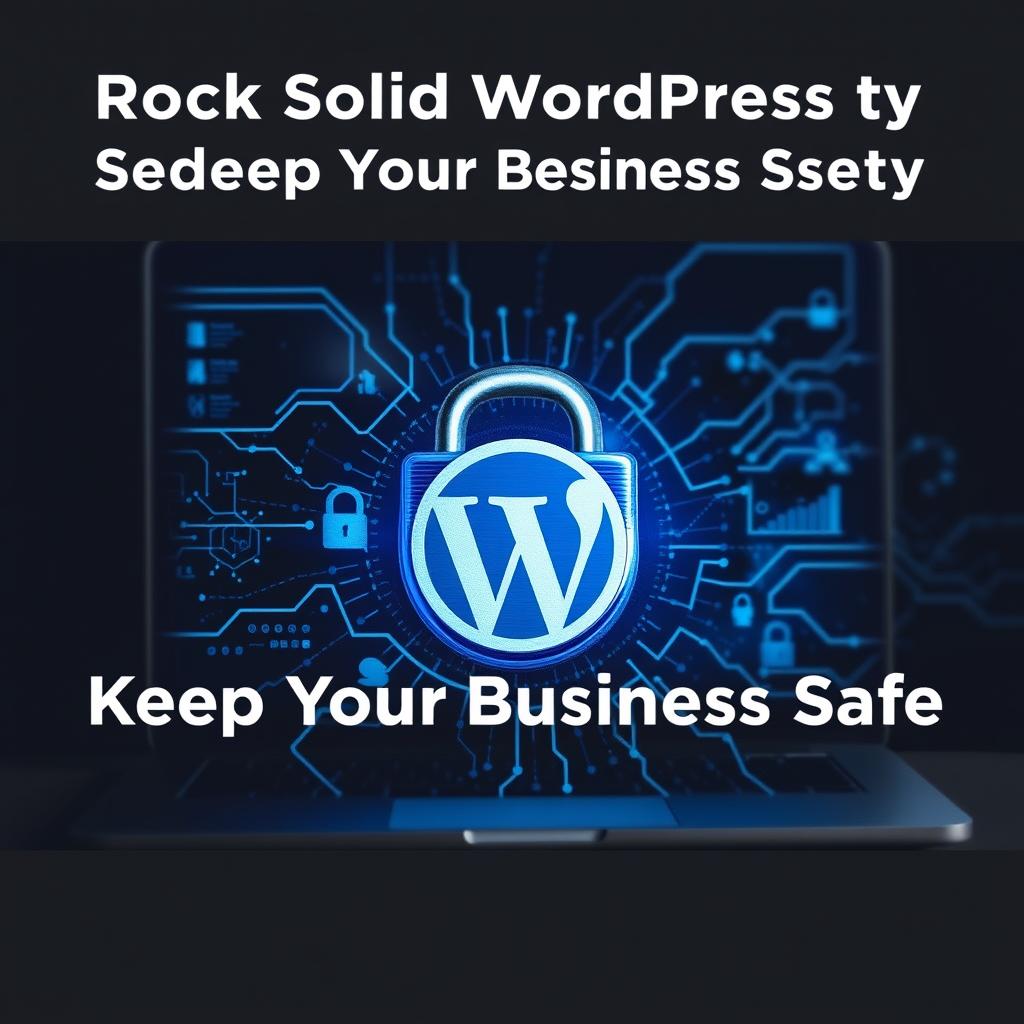
One contrarian thought: the fanciest security plugins can make people lazy. They click one button and think they're done. They're not. Rock Solid WordPress Security Keeping Your Business Safe comes from boring consistency, not shiny dashboards. I’d rather see a site with weekly updates and tested backups than a site with five plugins and zero discipline.
If you run an ecommerce shop or a lead-gen site, tighten the checkout and contact forms, too. Spam submissions waste time, but injected scripts can cost money. Keep forms minimal, validate input, and don't leave old form plugins hanging around. That's the kind of cleanup that pays off quietly.
And if you're sharing access with an agency, get the agreement straight. Who updates what? Who owns the backups? Who gets notified if a login fails three times? Those details sound small on a Tuesday morning, until they're not. A simple process beats a vague promise every time, doesn't it?
✅ Advantages
The biggest advantage of Rock Solid WordPress Security Keeping Your Business Safe is fewer surprises. You spend less time fixing hacked pages, locked accounts, and support tickets that start with "my site is acting weird." That alone saves money.
And there's a trust bonus. Customers notice fast sites, working forms, and clean checkout flows, even if they never think about wordpress security. A protected site also protects your brand reputation, which is harder to rebuild than a homepage.
What I've seen most often is this: good security makes operations calmer. Your team stops second-guessing every plugin update. Your backups, logs, and access rules give you a clear path when something goes wrong. Simple. Useful.
⚠️ Disadvantages
The downside is time. Rock Solid WordPress Security Keeping Your Business Safe asks for routine work, and routine work feels boring when your inbox is loud. Updates, checks, and audits can seem like one more thing.
And yes, some tools add cost. A premium firewall, backup service, or monitoring plan isn't free. If you stack too many plugins, they can slow the site down or create conflicts. I've seen site owners install four security tools, then spend a weekend untangling them.
There's also a learning curve. Terms like two-factor authentication, file permissions, and malware scanning can sound technical at first. But once you set them up, the upkeep gets easier. The real danger isn't complexity. It's ignoring the basics because the setup looked annoying.
How to Get Started
2. Update everything. WordPress core, themes, and plugins should all be current. Do it on a schedule, not when you remember.
3. Install one trusted security plugin. Pick a tool that fits your host and your skill level, then learn its alerts instead of stacking extras.
4. Set website backups offsite. Test one restore right away. Don't wait for a crisis to find out your backups are broken.
5. Turn on malware scanning and review the results weekly. If you see odd files or unknown users, investigate fast.
6. Check user roles and file permissions. Give people only the access they need, then review it monthly.
7. Add monitoring and a firewall if your site handles traffic or payments. Small sites need guardrails too. Especially small sites.
Frequently Asked Questions
A: Not really, once the basics are set. Most of the work is weekly upkeep, like updates and backup checks. Do that and the site stays much calmer.
Q: Do I need lots of plugins?
A: No. One good security plugin is usually enough if your passwords, updates, and backups are already handled. More plugins can create clutter.
Q: What should I check first after a breach scare?
A: Change passwords, review admin users, scan for malware, and restore from a clean backup if needed. And call your host early. That can save hours.
Q: Can a small business skip security tools?
A: I wouldn't. Small sites get targeted because they're easier to slip through. Even basic protection helps a lot.
Final Thoughts
And once the basics are in place, keep tightening them. Review access, test restores, and watch for changes you didn't make. That's how a business site stays reliable. Not perfect. Just hard to break. You don't need paranoia. You need a system that works when nobody's watching.